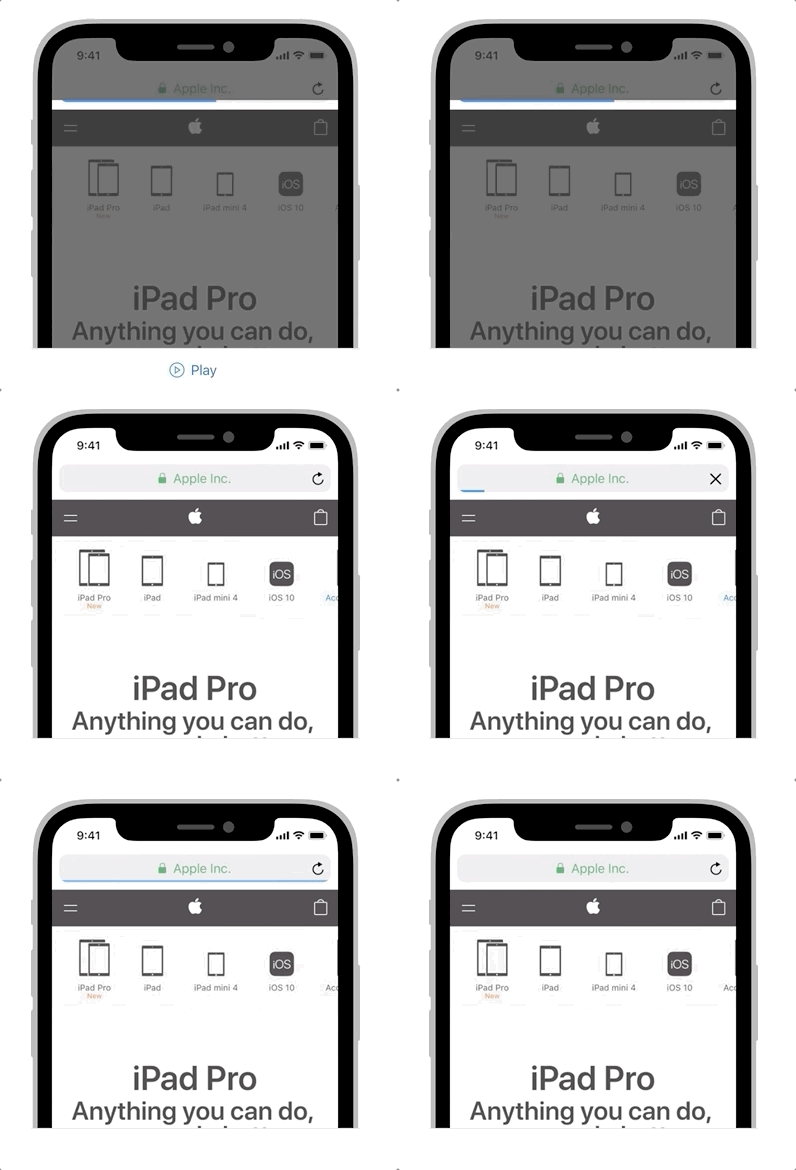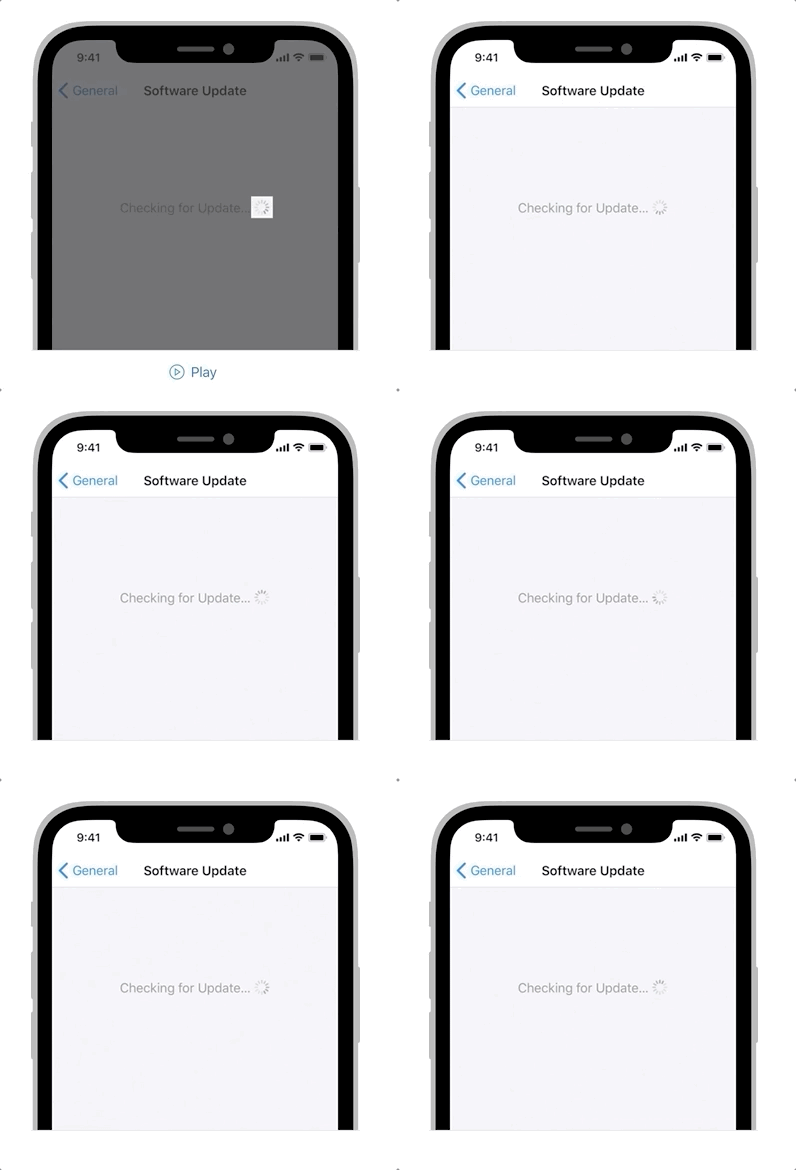
진행 표시자
Don’t make people sit around staring at a static screen waiting for your app to load content or perform lengthy data processing operations. Use activity indicators and progress bars to let people know your app isn’t stalled and to give them some idea of how long they’ll be waiting. See also Loading.
사용자들이 콘텐츠를 로딩하거나 데이터와 관련해 긴 작동을 하길 기다리며 고정된 화면을 바라만 보게 만들지 마세요. 활동 표시자와 진행 바를 사용해 사용자들이 앱이 설치되지 않았다는걸 알게 하고, 얼마나 기다려야 할지 감을 잡을 수 있도록 하세요. 로딩 을 확인하세요.
(좀 더 매끄러운 흐름을 위해 아래부터는 표시자를 인디케이터로 지칭해서 사용한다.)
액티비티 인디케이터**
An activity indicator spins while an unquantifiable task, such as loading or synchronizing complex data, is performed. It disappears when the task completes. Activity indicators are noninteractive.
액티비티 인디케이터는 복잡한 데이터를 불러오거나 동기화시키는 것과 같이 계측 불가능한 일을 진행하는 동안에 돌아갑니다. 해당 일이 완료되었을 때 사라집니다. 또 상호작용 불가능한 요소이기도 합니다.
Favor progress bars over activity indicators. If activity is quantifiable, use a progress bar instead of an activity indicator so people can better gauge what’s happening and how long it will take.
액티비티 인디케이터 대신 프로그레스 바를 사용하세요. 어떤 활동이 계측 가능하다면, 프로그레스 바를 대신 사용해 무엇이 지금 일어나고있고, 얼마나 걸릴지 예측할 수 있도록 하는것이 더 좋습니다.
Keep activity indicators moving. People associate a stationary activity indicator with a stalled process. Keep it spinning so they know something’s happening.
액티비티 인디케이터는 계속 움직이게 하세요. 사용자들은 멈춰있는 인디케이터가 정지된 진행상황을 의미한다고 생각합니다. 계속 돌아가게 하여 무언가 일어나고 있다는걸 알려주세요.
If it’s helpful, provide useful information while waiting for a task to complete. Include a label above an activity indicator to give extra context. Avoid vague terms like loading or authenticating because they don’t usually add any value. For developer guidance, see UIActivityIndicatorView.
쓸모있다면, 일이 끝나는걸 기다리는 동안 유용한 정보를 제공하세요. 액티비티 인디케이터 위에 라벨을 포함시켜 추가 콘텐츠를 제공하세요. 로딩, 인증같은 애매모호한 단어는 사용하지 마세요. 이는 어떠한 가치도 제공하지 않습니다.
프로그레스 바**
A progress bar includes a track that fills from left to right to show the progression of a task with a known duration. Progress bars are noninteractive, although they are often accompanied by a button for canceling the corresponding operation.
프로그레스 바는 왼쪽부터 오른쪽으로 채워지는 길(트랙)을 포함하며, 이는 예측 가능한 지속시간값이 있는 일의 진행 척도를 보여줍니다. 프로그레스 바는 현재 작동을 취소할 수 있는 버튼과 함께 보여지지만, (그 자체는) 상호작용 불가능합니다.